
Studio notes
Bulin 47 AI vs CapCut: which workflow fits your video?
Compare one-photo generation with CapCut editing: inputs, prompts, sound, prices, failures and practical next steps.
Choose Bulin AI when you have one adult portrait and want a prepared freestyle scene. Choose a CapCut editing workflow when you already have footage to trim, caption or pair with permitted audio. CapCut also offers separate AI features: check the exact feature rather than treating every template as a performer-replacement tool.
Compare the task before the app
| Question | Bulin AI photo preset | CapCut editing or template | General AI video tool |
|---|---|---|---|
| Starting material | One adult portrait | Clips or the template's required media | Depends on the selected feature |
| Need a prompt? | No | Not for ordinary editing slots | Often, with feature-specific controls |
| Keep original sound? | Generated audio; no original-song guarantee | You choose permitted audio to edit | Check audio and reference support |
| Price | $9.90 / 1, $18.90 / 2, $45.90 / 5 attempts | Check the selected feature and plan | Check settings and final charge |
| Failure handling | Technical failure restores the count; cash refunds reviewed separately | Check that feature's terms | Check the provider's terms |
| Best fit | Quick setup from a still portrait | Manual cuts, captions and sound | A custom scene with more setup |
This is a comparison of workflows, not a measured quality ranking. We verified our public flow and read CapCut's documentation; we did not purchase a competing render. Prices and access rules for other services can differ by feature and account.
If you have a portrait but no performance footage
A normal edit cannot supply the missing performance just by trimming a still image. Inspect an actual result from the selected generation feature first. Bulin AI's input/result pair below shows what this site's prepared scene produced once; appearances and audio can vary.
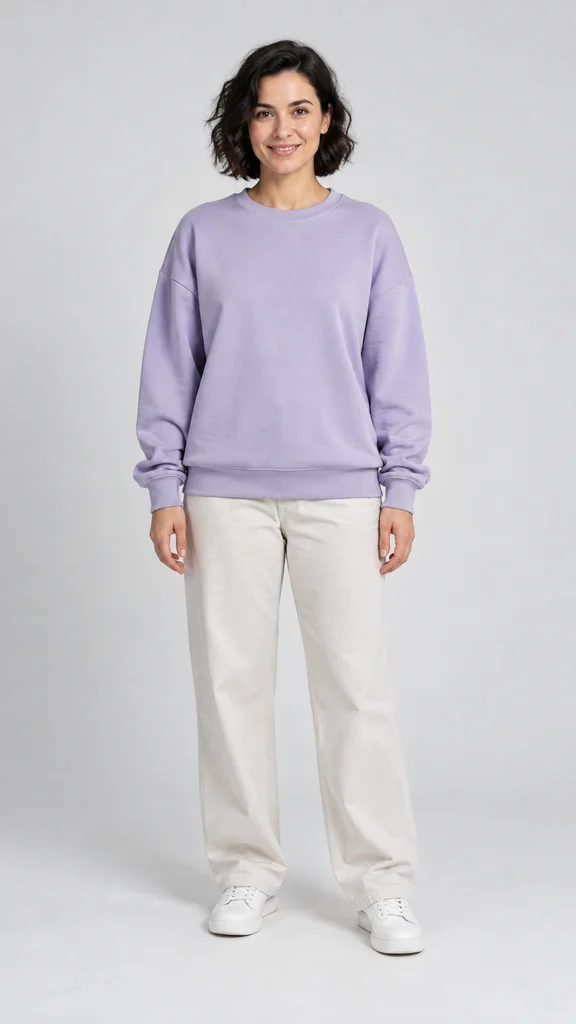
Actual generated result; one example, not a guarantee
For this route, upload your photo, choose a pack, confirm your email and pay. The first generation starts automatically. Delivery targets about 15 seconds at 720p with generated sound; allow roughly five minutes, sometimes longer. Use the private email link to download. Read the one-photo guide for input requirements.
If you already have a video to edit
Keep an untouched copy of your MP4. Make a working copy, trim its opening and ending, inspect the vertical crop during movement, and keep captions clear of the face. Listen before adding another track so two voices do not overlap. Review the exported file on a phone, including its last frame.
For a template, inspect the media slots and preview before investing time. CapCut's official help describes opening a template, customizing it in the editor and exporting; mobile creator links can open the app. A matching song title does not prove that it generates the freestyle from one portrait.
If you want the exact source performance
Neither a preset label nor a scene prompt proves frame-for-frame replacement. CapCut's Bulin scene guide describes an original scene and finishing process, not transfer of another service's preset or original audio. Look for a feature that explicitly accepts your authorized reference video, then inspect a complete result.
Bulin AI does not promise unchanged bystanders, gestures, clothing details or original lyrics. Its standard form has no custom soundtrack, reference-video upload or duet mode. You may edit its exported MP4 afterward, but sound editing cannot repair generated mouth movement.
Choose your next step
Use Bulin AI pricing for the actual one-time packs, the prompt guide for an adaptable scene brief, or the best-tool decision guide if you are still choosing a method. Checked October 29, 2026.