
Studio notes
Best Bulin 47 AI Generators (2026): choose by your goal
Compare Bulin AI, CapCut editing and general AI video workflows by photo input, prompts, sound, cost and failure policy.
The best Bulin 47 AI tool depends on what you already have and want to change. Bulin AI suits a one-photo preset with little setup. An editor suits existing footage and soundtrack control. A general video generator suits a custom scene. Compare actual outputs and total cost before choosing; there is no verified universal winner here.
Which option fits your starting point?
| Your goal | Useful starting point | Prompt | Sound | Cost and failure checks |
|---|---|---|---|---|
| Turn one portrait into a prepared freestyle | Bulin AI | Not required | Generated; original audio not guaranteed | $9.90 / 1, $18.90 / 2, $45.90 / 5 attempts; technical failure restores count |
| Trim clips, add captions and place your own audio | CapCut editing/template workflow | Not required for ordinary editing | Choose permitted audio yourself | Check the feature's current plan and terms |
| Direct a different scene or performance | A general AI video feature with suitable inputs | Often needed | Feature-dependent | Check reference support, render charge and failure policy |
| Change only a person inside an exact source clip | A feature explicitly supporting reference-video character replacement | Depends on the feature | Verify, do not assume | Inspect a complete source/result pair before paying |
The table compares methods, not independently benchmarked products. This page is published by Bulin AI. We have checked our public flow and examples; competing outputs were not purchased for this article. The names or number of dedicated trend sites do not establish which one delivers the best likeness.
A useful choice when you have only one photo
Bulin AI accepts one clear consenting-adult portrait and supplies a prepared freestyle scene. No custom prompt, reference upload, account or subscription is required. The output targets about 15 seconds at 720p, vertical MP4, with generated audio. It suits someone who values short setup over fine control.
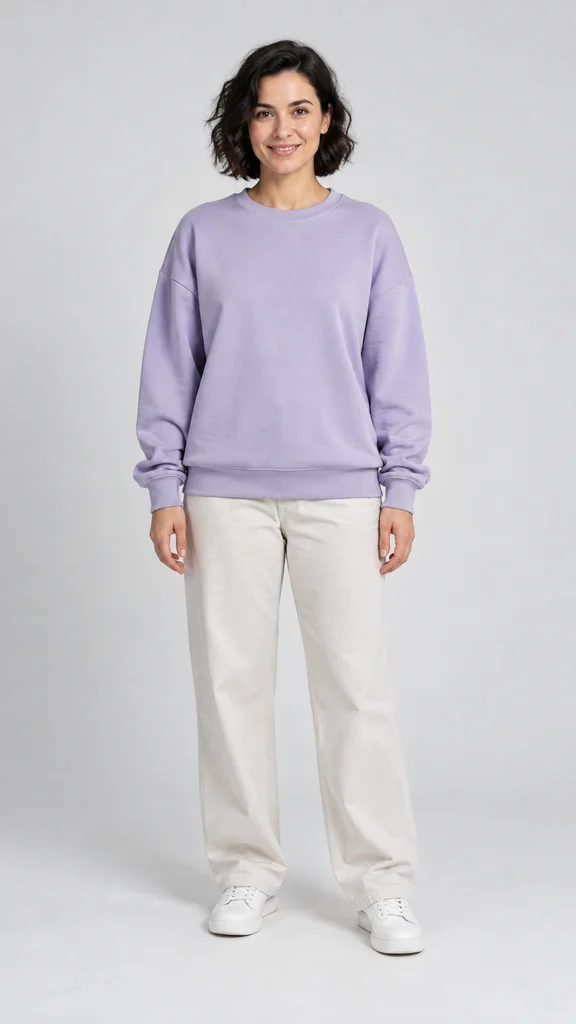
Actual generated result; one example, not a guarantee
Inspect the face during turns, fingers, clothing and sound. A still poster can hide problems that appear during movement. This public example is a fictional adult portrait and an actual generation, not a guaranteed result. The video gallery also labels experiments separately from standard form options.
When a different tool is a better fit
If you need to trim footage or time a particular permitted soundtrack, use an editing workflow. If you need a different setting or choreography, look for controls that expose those choices. If your requirement is an unchanged source video with one replacement, inspect that specific reference-editing feature: a generic text prompt or a trend name does not establish that ability.
Our standard form does not accept pets, cartoons, custom lyrics, a second person or an uploaded soundtrack. It does not guarantee unchanged crowds, exact gestures, original voices or perfect lip-sync. For concrete editing steps and the limits of templates, read Bulin AI vs CapCut.
Five checks before you pay any generator
- Match the accepted inputs to what you actually have.
- Watch a full output tied to an identified input, not only a source clip or animated poster.
- Check the final export duration, resolution, sound and watermark terms.
- Compare total cost per attempt, expiry and whether a retry spends another allowance.
- Separate technical-failure credit returns from cash refunds and subjective quality complaints.
On this site a confirmed technical failure restores the count used; a completed imperfect video still uses a count. Public demos are free, while generation is paid. See the one-time prices, then follow the creation steps. Updated October 29, 2026.